Guide
How your cleaning crew clocks in and works a job from their phone
Each cleaner opens Arbon from their phone's home screen. Today shows their next clean with the address and access notes, Clock in starts their hours, and starting the visit opens the checklist for that property. Everything saves to the phone first, so the clock keeps going in a basement with no signal.
Step 1
Start on Today
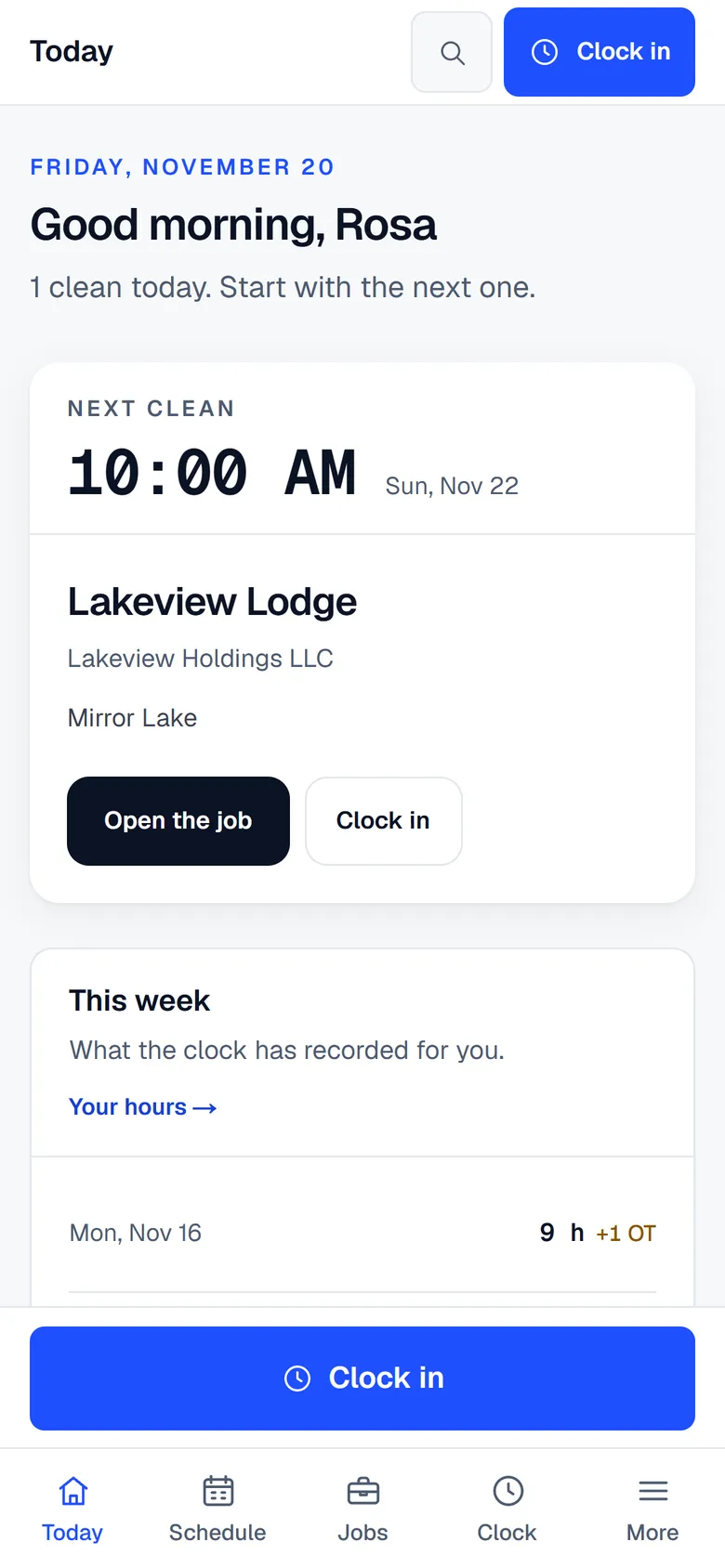
A cleaner's Today screen shows only their own work: the next clean, the time, the client and the place, with buttons to open the job or clock in. Below it is the week the clock has recorded for them, so nobody has to ask the office how many hours they have done.
Step 2
See every job assigned to them
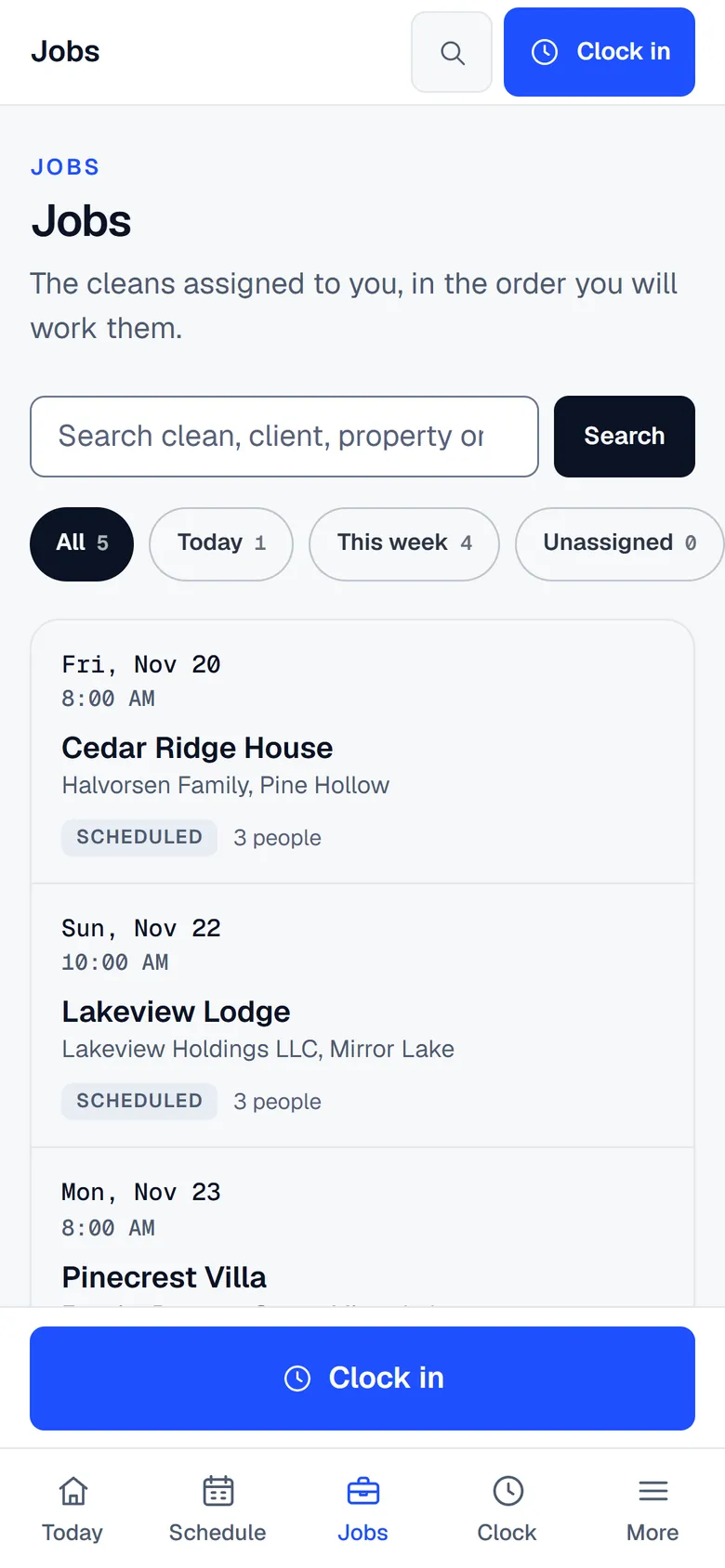
Jobs lists the cleans they are on, in the order they will work them. Cleaners see their own jobs, not every client the business has, and they never see prices or margins.
Step 3
Read the access notes before arriving
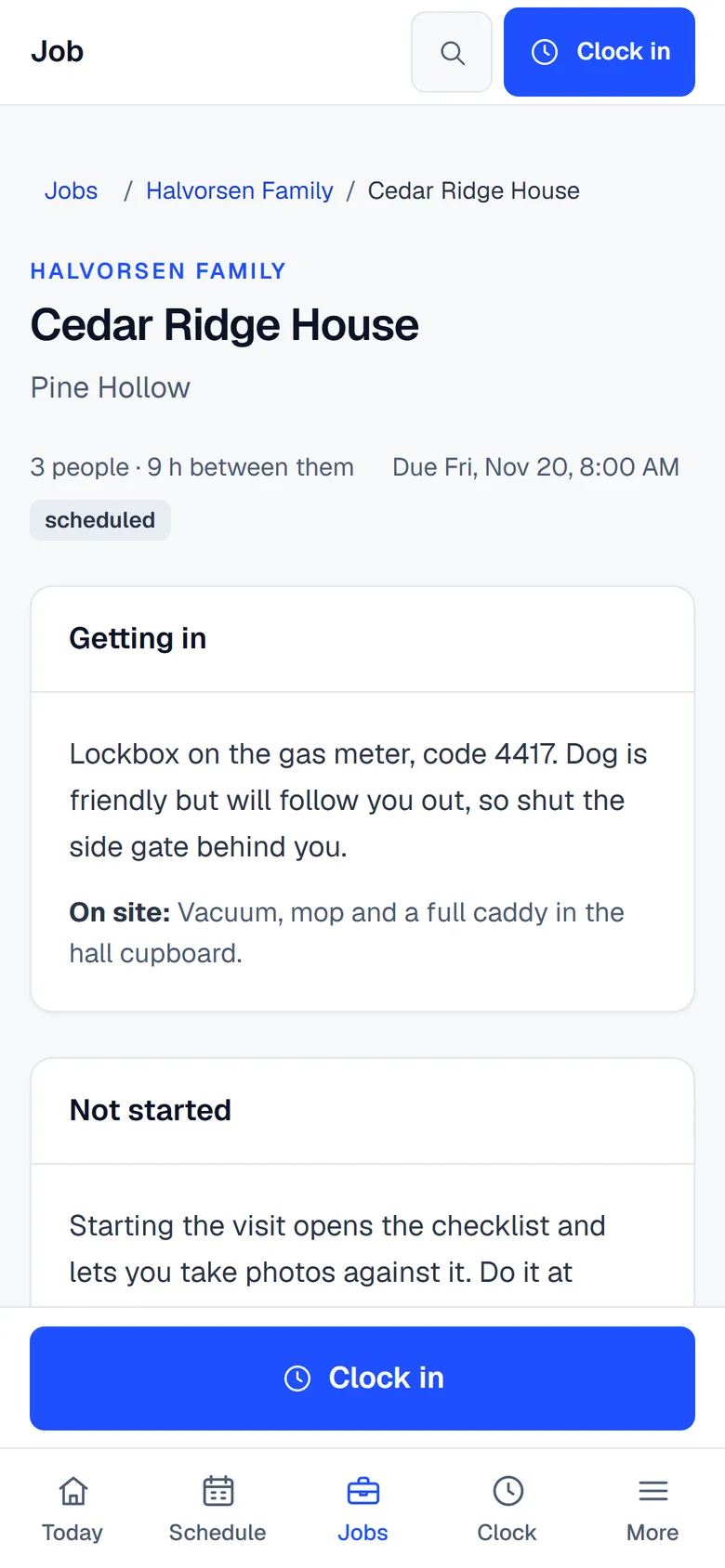
Open a job to see how to get in, where the supplies are and anything else the office has noted for that property. The notes are stored encrypted, and only the people on the job can read them.
Starting the visit opens the checklist for the property. On the Growth plan, the crew can take before and after photos against each item.
Step 4
Clock in and out
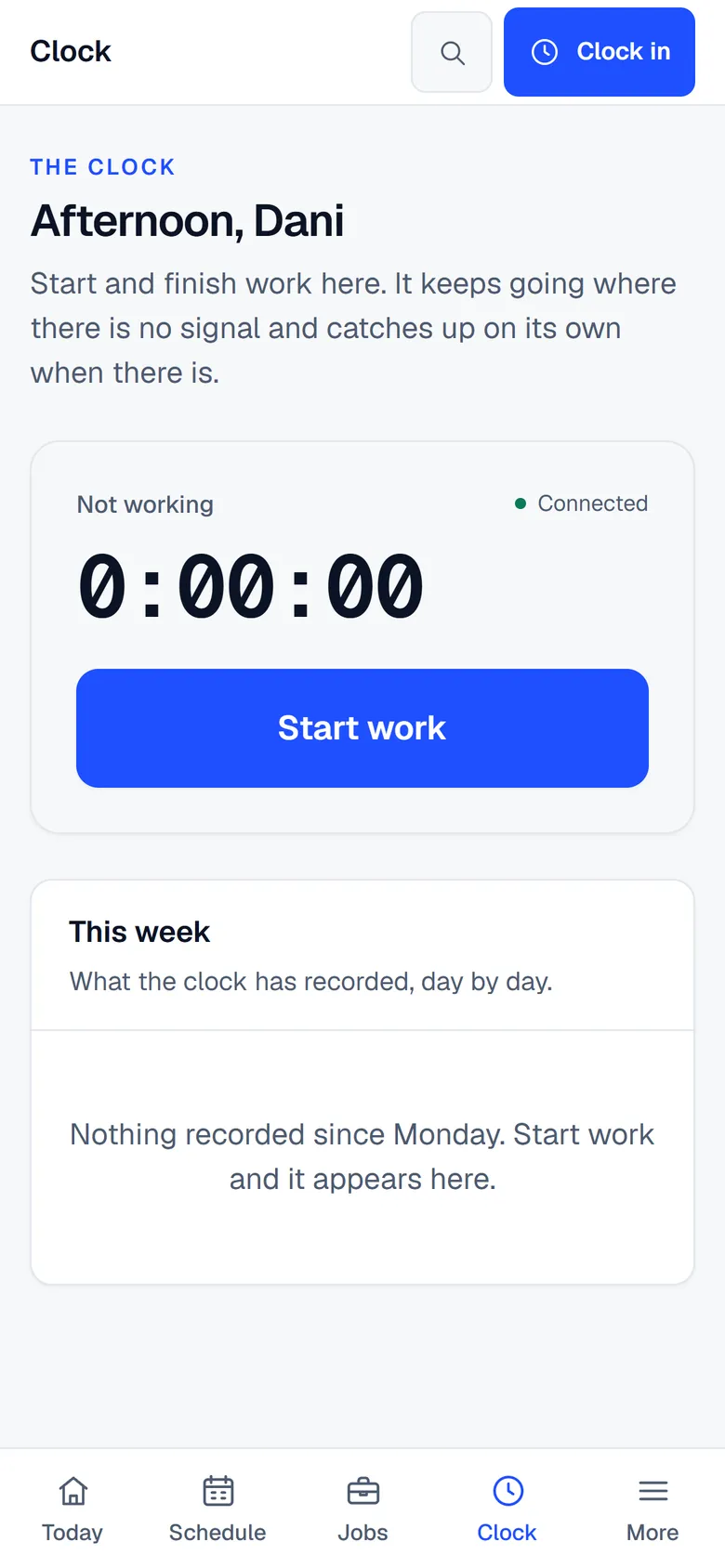
Start work begins the clock and Finish work ends it. Picking a job is optional, so hours are never lost because the right job was not on the list. Rest and meal breaks are one tap each.
With no signal, the punch waits on the phone and sends itself when the van is back in coverage. If the office turns one down, the phone says why.
Questions people ask next.
Short answers, with the same limits the guide has already stated.
Do cleaners need their own login?
Can I try it with my own crew first?
The next step
Try it on one real week.
Put a week of cleans on the calendar, send the crew their shifts and invoice from the visits. 60 days free.
No card. Cancel from settings.