Guide
How to message your cleaning crew and post updates
Open Messages in Arbon. The crew room is one conversation for everybody, Message a teammate starts a private thread, and an announcement goes to the whole crew with a read receipt for each person. Everything stays with the business, so a cleaner leaving with their phone does not take the history with them.
Step 1
Use the crew room for the day's news
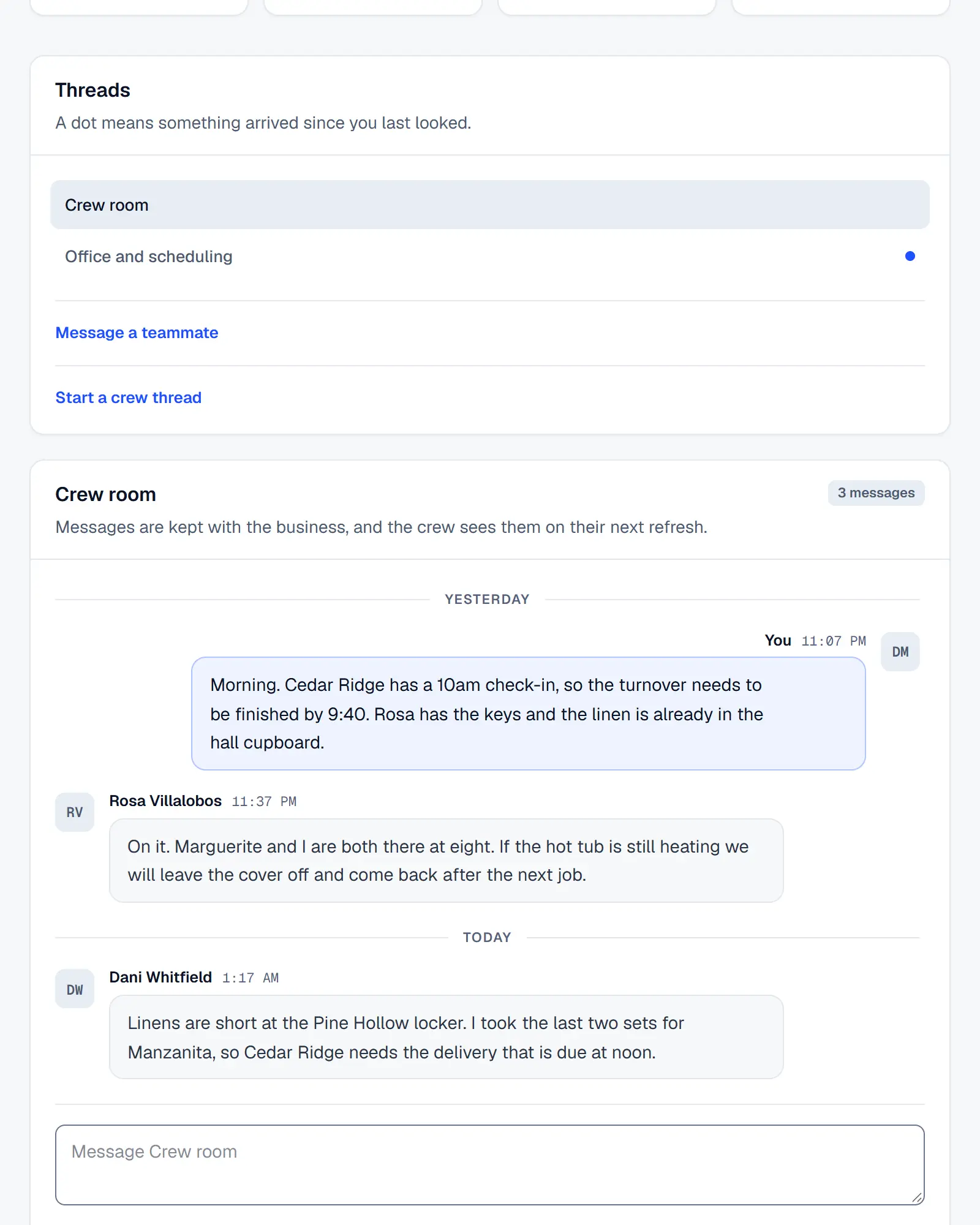
The crew room is where the office and the crew talk about the work: a check-in time that moved, linens running short at a locker, who has the keys. Type the message and press Send when it is clear enough to act on.
Step 2
Message one person
Message a teammate opens a direct thread that only the two of you can see. Start a crew thread for a smaller group, such as office and scheduling. A dot marks anything new since you last looked.
Step 3
Post an announcement that needs a receipt
Some things everyone has to read: parking that changes on Monday, holiday days, a new rule at a property. Post one under Announcements and pin it if it should stay on top. Each person marks it read, and the bar shows how many have, so you know who to chase.
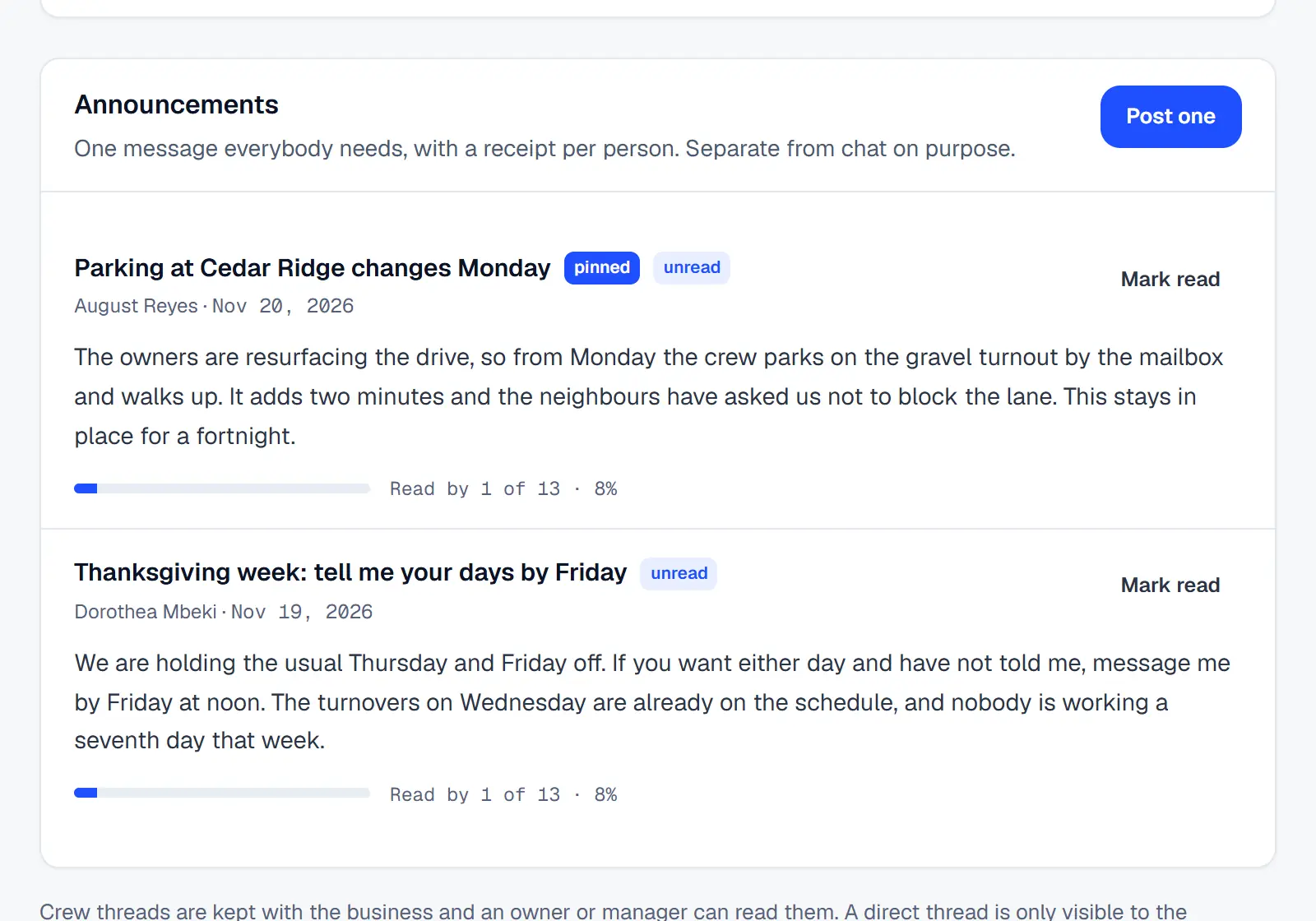
Read by 1 of 13 tells you exactly who has not seen it yet. Step 4
What the crew sees
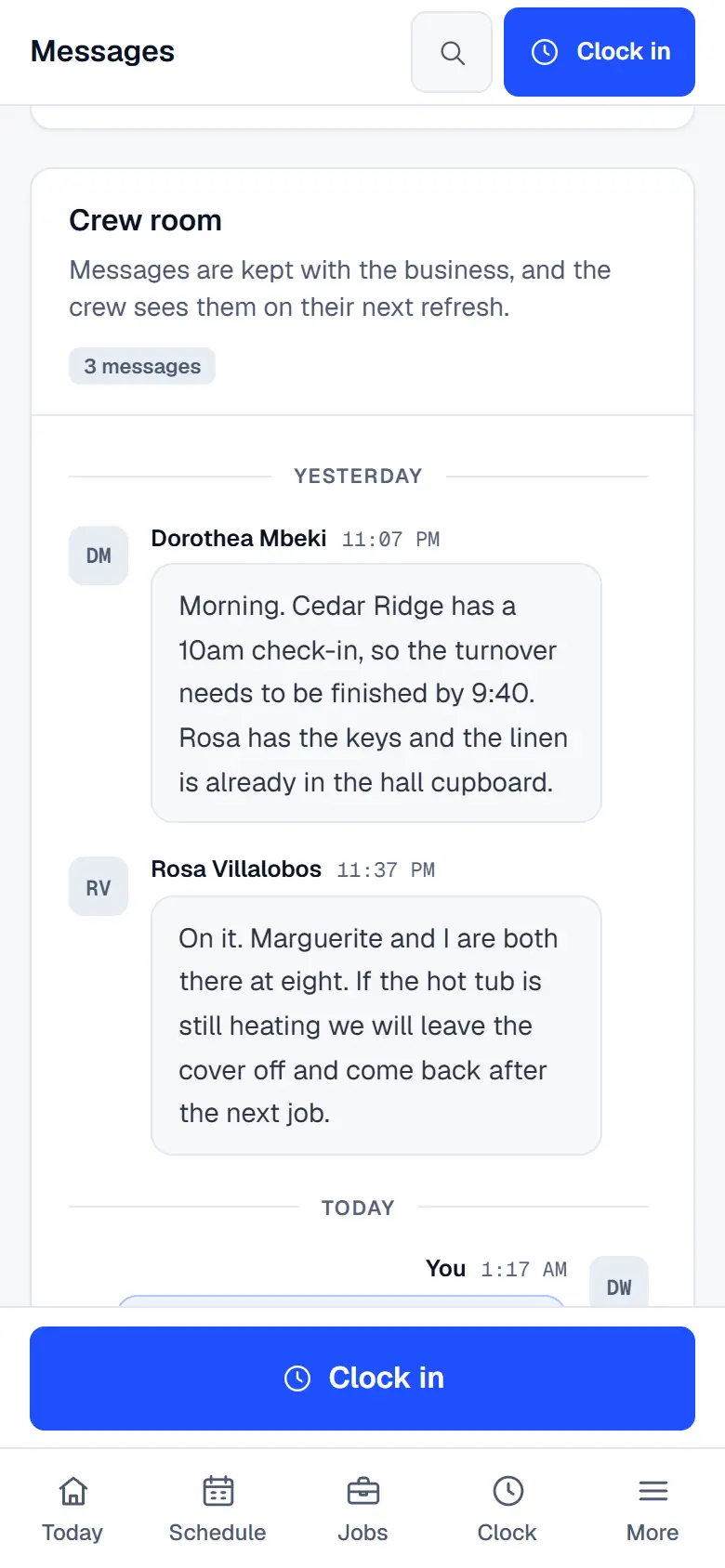
Cleaners see the same room on their phone under Messages. They can reply, message the office directly and mark announcements read between jobs.
Questions people ask next.
Short answers, with the same limits the guide has already stated.
Can the owner read private messages?
Should door codes go in messages?
The next step
Try it on one real week.
Put a week of cleans on the calendar, send the crew their shifts and invoice from the visits. 60 days free.
No card. Cancel from settings.