Proof of every clean
A crew app that works in a house with no signal
Today's addresses, encrypted access notes, room checklists, photos and a clock that writes to the phone first. It all works with no signal and syncs when the phone is back online.
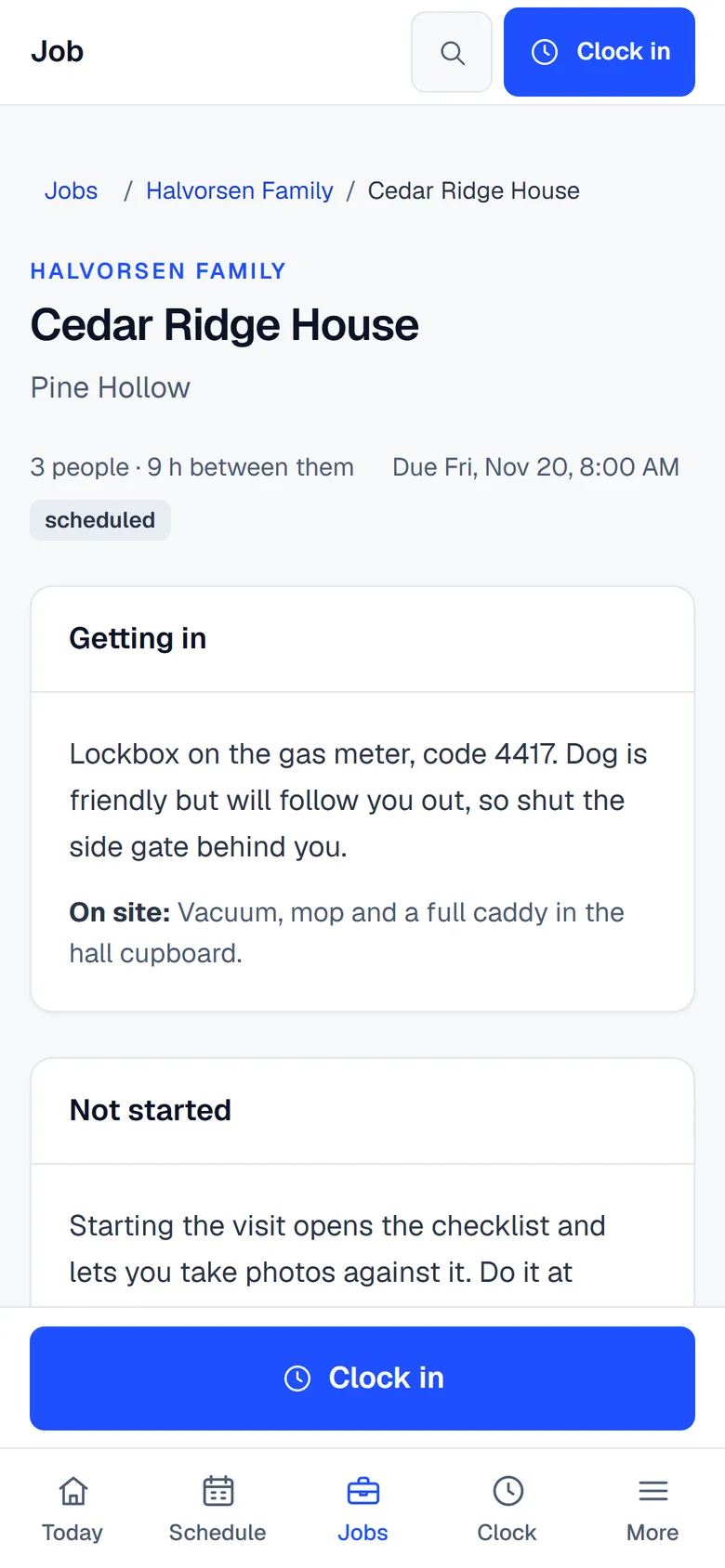
The crew app gives each cleaner today's addresses, encrypted access notes, the room checklist and a clock that works with no signal. Ticks, photos and clock-ins write to the phone first and sync once, deduplicated, so a basement with no bars does not lose the visit. Cleaners never see prices, invoices or other clients.
Why it matters
The houses with no signal are the ones that need proof.
A client says the bathroom was missed. The cleaner says it was not. Without a photo and a time, it is one person's word against another's, and the owner pays for the doubt. The same visit is where the phone loses signal, so an app that needs a connection fails at the exact moment it matters.
How it works
The mechanism, step by step.
Each step is a rule the product enforces, so nobody has to remember a setting.
- 01
The day opens on the phone
Today's jobs in order, with the address, the window, the crew on the visit and the access note revealed on the day to the people assigned.
- 02
Clock in on site
The clock stamps the time and the GPS position and checks the geofence. If the phone is offline, the stamp waits on the device.
- 03
Work the checklist
Room by room, with photo-required items and a place for an incident, a supply shortage or damage. A check can be taken back until it has been sent.
- 04
Finish and sync once
The visit closes on the phone. Each queued item carries an id the device generated, so the server can drop a duplicate when the same batch is retried.
- 05
The office sees it arrive
Photos and hours land on the visit. The office can answer a client with the record instead of a phone call to the crew.
The details
Facts you can check.
Each figure is a limit or a rule in the product today. Where a rule is not modeled, the page says so.
- Clock, checklist and photos keep working
- Offline
- Queued on the device, deduplicated on sync
- Clock-in stamped and checked against the site
- GPS
- Before and after, attached to the visit
- Photos
- Installs to the home screen, with an offline page
- PWA
Next
The parts that sit beside it.
Every feature shares one record, so a visit that starts on the schedule is the same visit that ends on the invoice and the timesheet.
Free: what an hour really costsQuestions
The questions this page raises.
Does the clock really work without signal?
Can a cleaner see prices or other clients?
What happens if a cleaner forgets to clock out?
60 days free, no card, and every crew member included. The sample business used in the frames is fictional and labelled wherever it appears.
The next step
Put one real week in it.
A schedule, a crew on their phones and one invoice from the visit. That is enough to know whether it fits.
No card. Cancel from settings.